Photo booth rental companies
A template for every event in minutes. Change the background, logo and text while the photo layout and printer size stay in place. Save the project and reuse it.
Photo booth templates · Citizen · DNP · Fotillo
With Fotillo Editor you design in your browser. The editor takes care of the printer size, photo slots, masks, text and QR code. Load the finished template into the Fotillo software as it is.
Nothing to install. Test export with no account and no charge.

For anyone preparing prints from a photo booth running the Fotillo software. From a single wedding to a whole fleet of booths.
A template for every event in minutes. Change the background, logo and text while the photo layout and printer size stay in place. Save the project and reuse it.
Prints in the colours and style of the event: the couple's names, the date, a hashtag, the theme. Labels are filled in on site in the Fotillo software, without going back to the design.
Brand logo, a QR code for sharing photos and promotional graphics. You can even put them on a separate strip, for example with a discount code.
Four steps from a blank page to a template the Fotillo software prints straight away.
The editor shows only the formats your printer can print from the loaded roll. These include 6×4, 4×6, 2 × 2×6 strips and 6×8, at 300 dpi from the start.

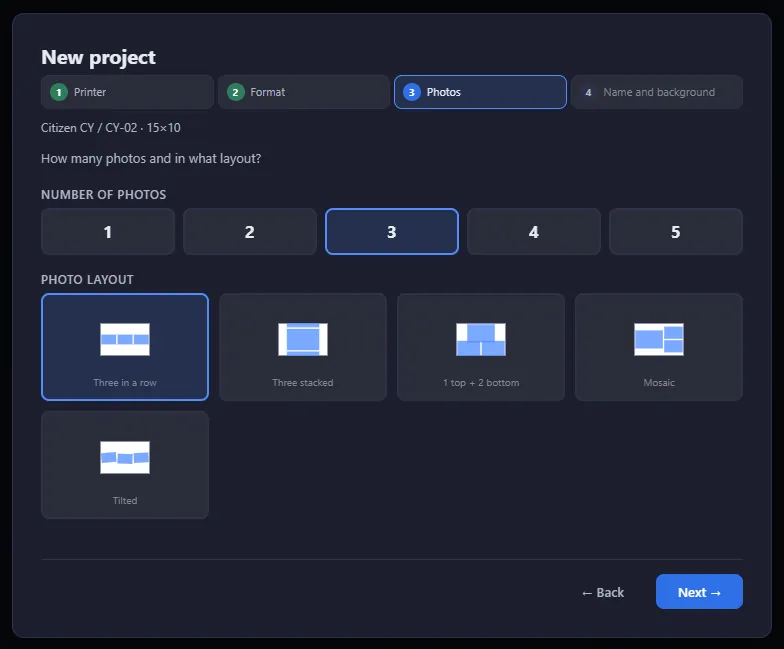
Pick 1 to 5 photo slots and a ready-made layout. Move, rotate and crop the slots with a mask, for example a heart, a circle or an arch.
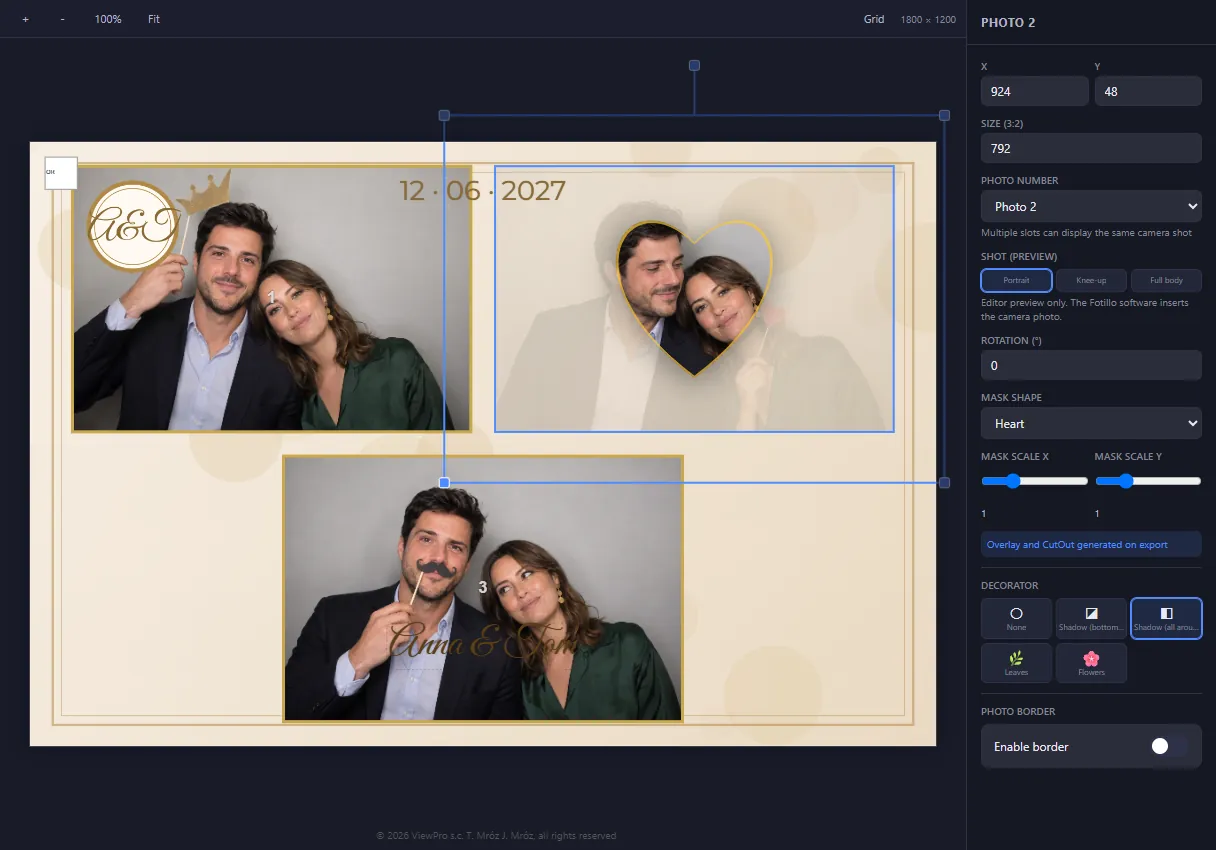
Upload a background or set a gradient. Add a logo, photo decorations and decorative text. You fill in labels with names, the date or a hashtag later in the Fotillo software.
The editor checks the project and builds the package: Collage.xml, background, frame, masks and fonts. Download a test export right away. An export for printing is signed and saved to your account.

Citizen CY, CX-02 and CZ-01 (DNP RX1, DS620, QW410) and an A3–A5 inkjet printer. Plus a custom size with a hint on how the software will recognise it.
2×6 strips, three 4×2 photos, two prints per sheet. The parts are duplicated automatically, or you design each one separately.
11 shapes, including heart, circle, star and arch. You can also upload your own mask as a PNG file.
Shadows, gold and silver frames, polaroid, vintage, leaves and flowers, and a border in any colour.
You fill in the title, names, date and hashtag on site in the Fotillo software. The template stays the same.
PNG graphics with transparency and a place for the QR code. The code prints when you turn on photo sharing in the Fotillo software.
14 decorative fonts, wedding and elegant ones, and 6 system fonts. The fonts go into the package with the template.
Your work saves itself in the browser. The editor speaks 13 languages, just like the Fotillo software.
Formats are matched to the roll: the editor will not offer a size your printer cannot print.
| Printer | Roll | Example formats |
|---|---|---|
| Citizen CY / CY-02 (DNP RX1, RX1HS) | 6×4, 6×8, 5×7 in | 6×4, 4×6, 2 × 2×6 strips, 6×8, 6×6 |
| Citizen CX-02 (DNP DS620) | 6×4, 6×8, 6×9, 5×7 in | 6×4, 2 × 6×4 per sheet, 6×8, 4.5×6 |
| Citizen CZ-01 (DNP QW410) | 4×6, 4.5×8 in | 4×6, 3 × 4×2, 2 × 4×3, 4×4 |
| Inkjet printer | A3, A4, A5 paper | A4, A5 and a custom size |
New templates are created at 300 dpi. Templates made earlier at 320 dpi open and export unchanged.
Canva, Photoshop and GIMP are great for graphics, and you can upload a background or frame made there into the editor. The Fotillo software, however, needs more than an image: a template file with photo slots, masks and labels.
| What a Fotillo template needs | Fotillo Editor | Canva | Photoshop / GIMP |
|---|---|---|---|
| Size and resolution for the photo booth printer | from the printer's format list, 300 dpi | set manually | set manually |
| Template file for the Fotillo software (Collage.xml) | created automatically | no, image only (PNG) | no, image only (PNG) |
| Photo slots with shot numbers | yes | no | no |
| Photo masks in Fotillo format (Overlay, CutOut) | created on export | no | prepared manually |
| Labels filled in by the software (names, date, hashtag) | yes | no, text baked into the image | no, text baked into the image |
| Strips and multiple prints per sheet with a cut line | yes | arranged manually | arranged manually |
| Place for a sharing QR code (different on every print) | yes | no | no |
| Works in the browser, nothing to install | yes | yes | no, desktop software |
The comparison covers preparing a template for the Fotillo software. Canva, Photoshop and GIMP are trademarks of their respective owners.
Design without limits. You only pay when the template has to print at an event without the DEMO watermark.
No account and no charge. Download the ZIP package straight away and check the layout and margins on your printer. Prints show a DEMO watermark.
A digitally signed template without the DEMO watermark, saved to your account. You can download it again at no cost and open it for editing. Each export uses 1 export from a pack of 10, 20 or 40 exports.

It is a browser tool for designing print templates for photo booths running the Fotillo software. You set the format for your printer, photo slots, background, logo, text and QR code. The editor turns it into a package the Fotillo software prints straight away.
No. The editor runs in the browser on your computer: in Chrome, Edge, Firefox or Safari. Your work saves itself in the browser, and you can also download the project as a .fotillo file.
Citizen CY, CY-02, CX-02 and CZ-01 printers and the matching DNP RX1, DS620 and QW410. Also A3–A5 inkjet printers. Formats include 6×4, 4×6, 2×6 strips, 6×8, 6×6, three 4×2 photos and a custom size.
Designing and the test export need no account and cost nothing. A test template prints with a DEMO watermark. A template for printing at an event needs an account and one export from a pack. Packs of 10, 20 and 40 exports are available in the Fotillo shop. Downloading a template you have already bought again costs nothing.
Yes. Upload a background, frame or logo saved as PNG or JPG. The editor adds what the Fotillo software needs: photo slots, masks, labels, the QR code and the Collage.xml file.
In the wizard choose a format with cuts, for example 2 × 2×6 for the Citizen CY printer. You design one strip and the second is created as its copy. Turn off the Duplicate design switch to design each strip separately. The first can hold photos and the second a discount code.
Upload the logo in the Graphics section as a PNG, ideally with a transparent background. The QR code is a fixed part of every template, and you only set its position and size. It appears on prints when you turn on photo sharing and printing an additional photo with the QR code in the Fotillo software.
Yes. Reopen a project saved as a .fotillo file. Open a template from an export for printing in your account with the Edit button. Or import a finished Fotillo template from its Collage.xml and PNG files.
13: Polish, English, German, Spanish, French, Italian, Portuguese, Romanian, Croatian, Slovenian, Lithuanian, Greek and Ukrainian.
Print sizes, wedding and corporate templates, QR codes. Practical tips for your next event.
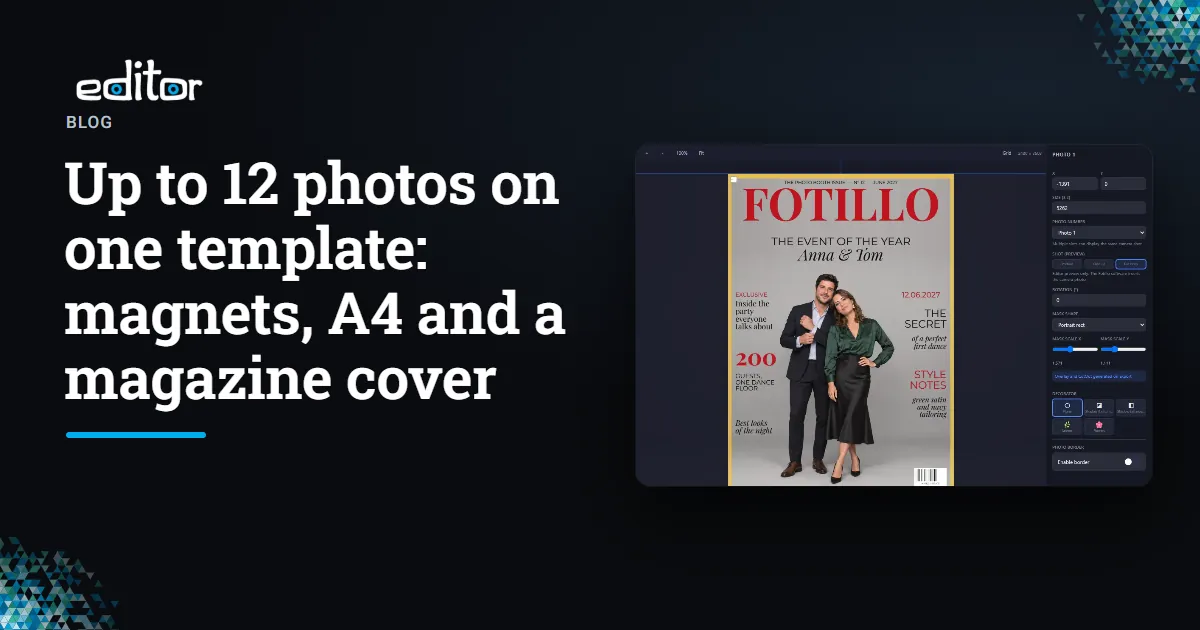
Fotillo Editor fits up to 12 photos on a template and picks a layout to suit the format. A photo sheet for magnets and an A4 magazine cover, step by step.
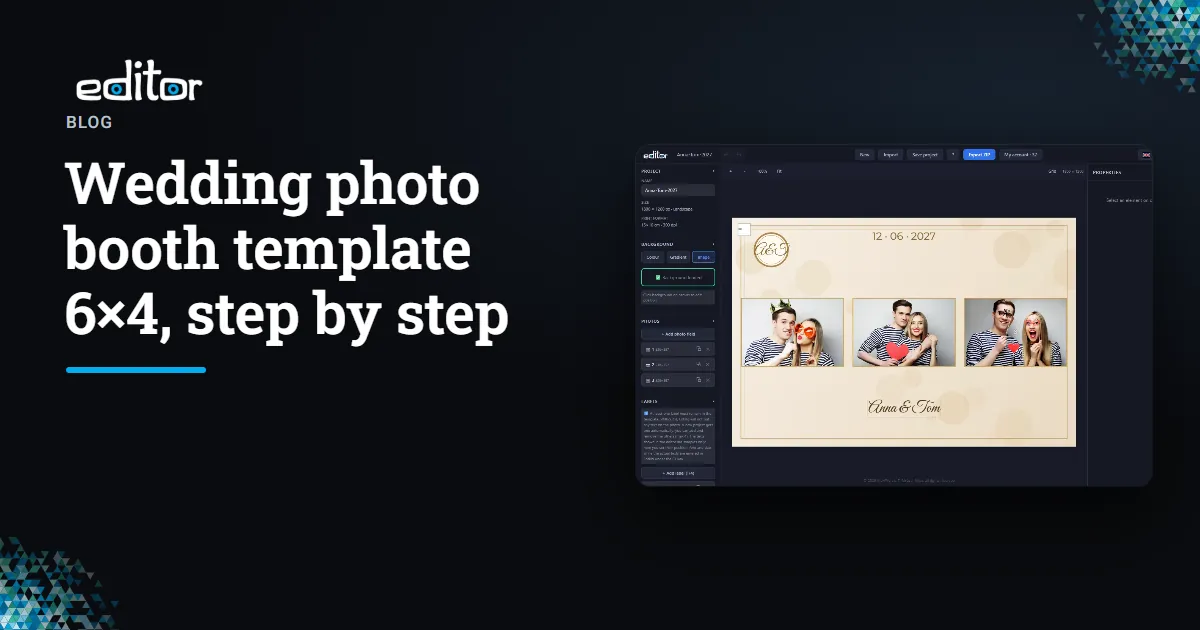
How to prepare a 6×4 wedding photo booth template: photo layout, names and date, QR code and a test print. A guide for the Fotillo software.
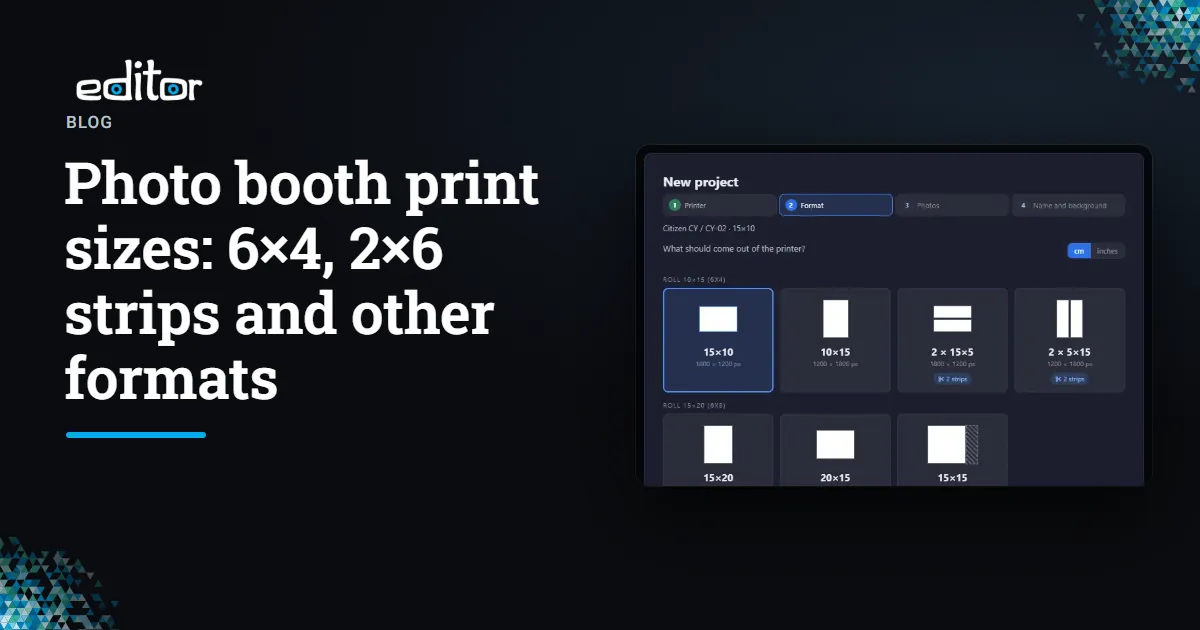
Which formats a Citizen or DNP photo booth printer prints and how many pixels they have. 6×4, 2×6 strips, 6×8 and square, plus tips for your event.
Open the editor and choose your printer and format. Your first template takes just a few minutes.